Meeting room property
On your map, you can define special zones where a meeting room will be opened when a user enters the area.
Setting meeting room area
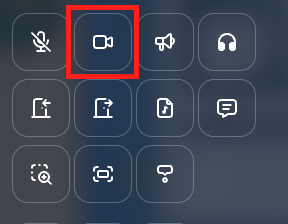
When editing an area, you can add the meeting room property to it. You must click on the "Meeting room" icon.
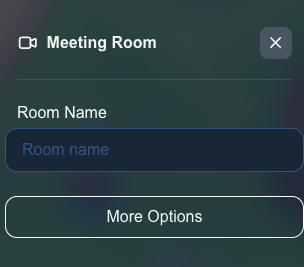
You can define a name for the meeting room. If you set the same name for two meeting rooms in the same map, those meeting rooms will behave as one big meeting room.
Additional options
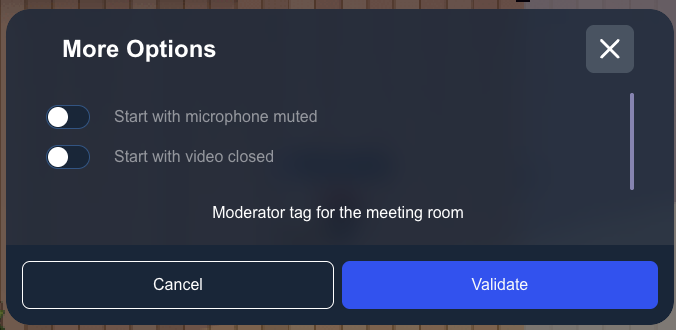
In the "More options" section, you can configure the default state when entering the meeting room:
- Camera off: Check this option to enter the meeting room with the camera disabled by default
- Microphone off: Check this option to enter the meeting room with the microphone disabled by default
- Allow raising hands: Turn this off so that participants can no longer raise their hand in this meeting room. It is on by default. Participants can still lower a hand they already raised, and raise their hand in another conversation, such as a discussion bubble.
Use these options if you expect a big number of participants in your meeting room (for instance for a small meetup). For big meetings, we advise to use a podium instead.