Edit your world
Worlds are a way of grouping maps together.
You can edit your world from the world page anytime.

World Name
Each world needs a name to be created. In the same organization, each world's name needs to be unique.
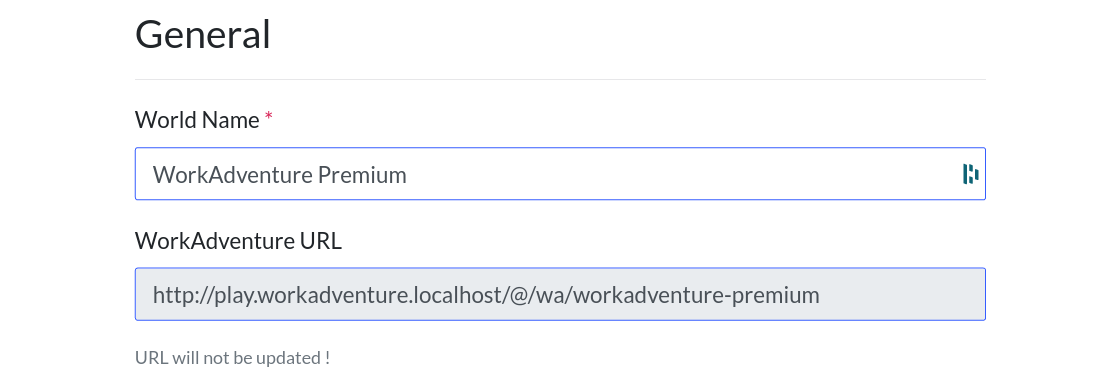
Even if you change the name of your world, its name in the url of your room won't (we call it the "slug"). If you want to change the slug of your world, you will need to create a new world.
Contact page
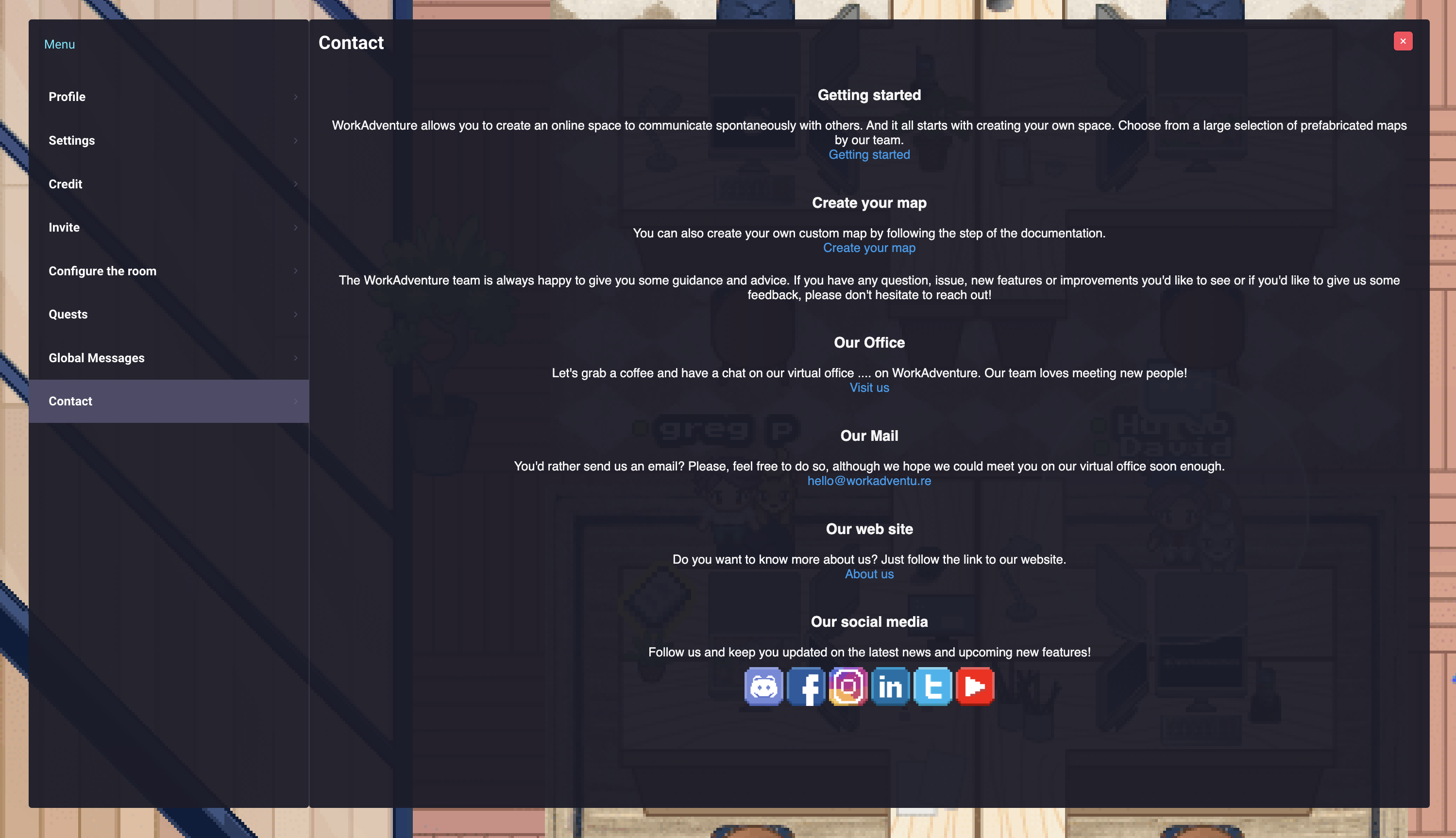
On the edit world screen you can manage the contact page of your world. By default, your world uses the contact page of Workadventure. You can deactivate that option by unchecking the "Use default contact page" box.
You can also create your own contact page to give users on your world your contact information. Once you created your contact page don't forget to both save it and save the editing of your world.

In WorkAdventure, a "Contact page" button will appear at the end of the navbar of the menu. If you click on it, you will see the contact page of the world.
Woka Policy
You can assign a policy to your world to restrict the use of Wokas within your world. You can find below the policy options:
- Allow Wokas from any world: All Wokas can be used
- Allow only Wokas from this World: Accept only Wokas defined inside your world
- Allow only Wokas from this Organization: Accept only Wokas defined inside your worlds
Username Policy
You can define a policy to restrict usernames on your world. You can find below the policy options:
- Users can define their name: Users can define theirs name from the app
- Users can override member username: Names defined in the app will be displayed even though member username has been defined
- Force member usernames: Force the username of the member if the room is in member only or member only with tags
Camera and microphone privacy defaults
When a user switches to another browser tab, the user goes in "Away" mode. In "Away" mode, WorkAdventure can keep their camera and microphone on, or turn them off until they come back. Each user can choose this for themselves in the "Settings" menu of the game ("Keep camera enabled when the tab is away" and "Keep microphone enabled when the tab is away").
A user does not switch to "Away" mode when they are in communication.
From the edit world screen, you can choose the initial value of these two settings for users who have not made their own choice yet:
- Keep camera enabled when the tab is away (off by default)
- Keep microphone enabled when the tab is away (on by default)
A user's own choice always wins over the world default. If you have privacy-sensitive users, you may want to turn both settings off so that users are not seen or heard while they are away from the tab. Turning both settings on is a good choice for worlds where users are expected to be present and active at all times, like a customer support environment.
NFT Policy
You can define an NFT policy to allow Wokas from the NFT collection defined in your organization or from any organization.